

Sneak Peek: Highlights From Optimizer™ 6
September 27, 2022
•
1 minute read
Improved Workflow
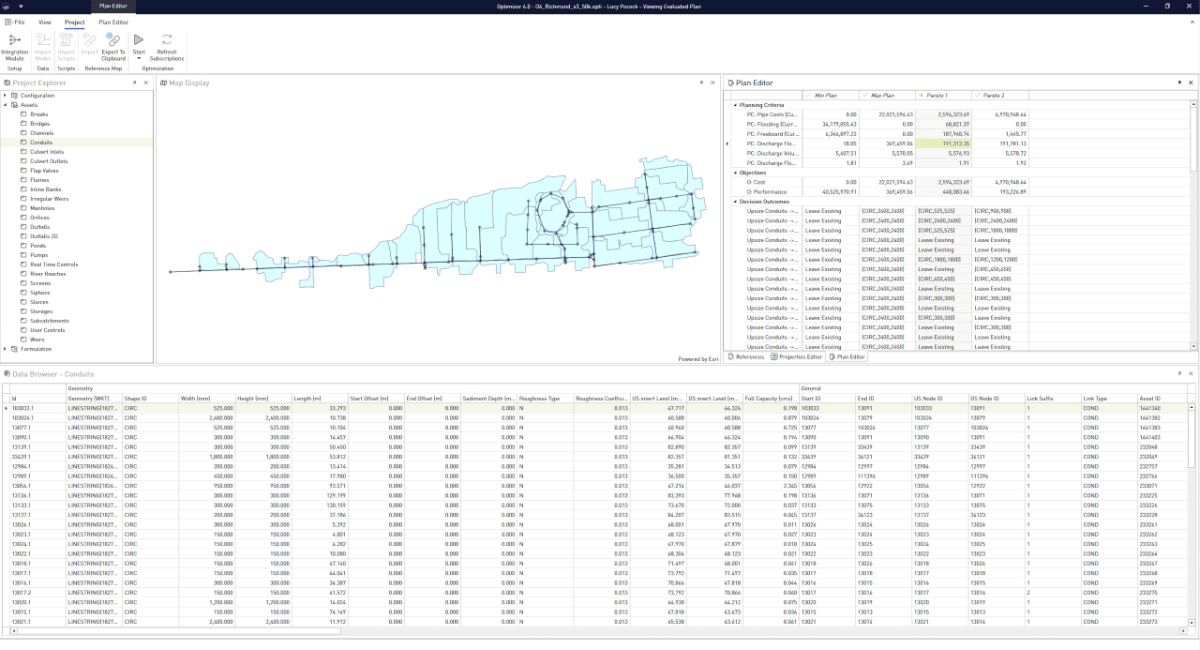
In Optimizer™ 6, there are no workflow steps—the UX is designed to offer a smoother and more intuitive workflow for the user. Instead of four distinct workflow steps, you are either editing the formulation or viewing results. This allows greater freedom and flexibility when building and editing a formulation, without having to navigate between different workflow steps.
Cached Evaluation Results
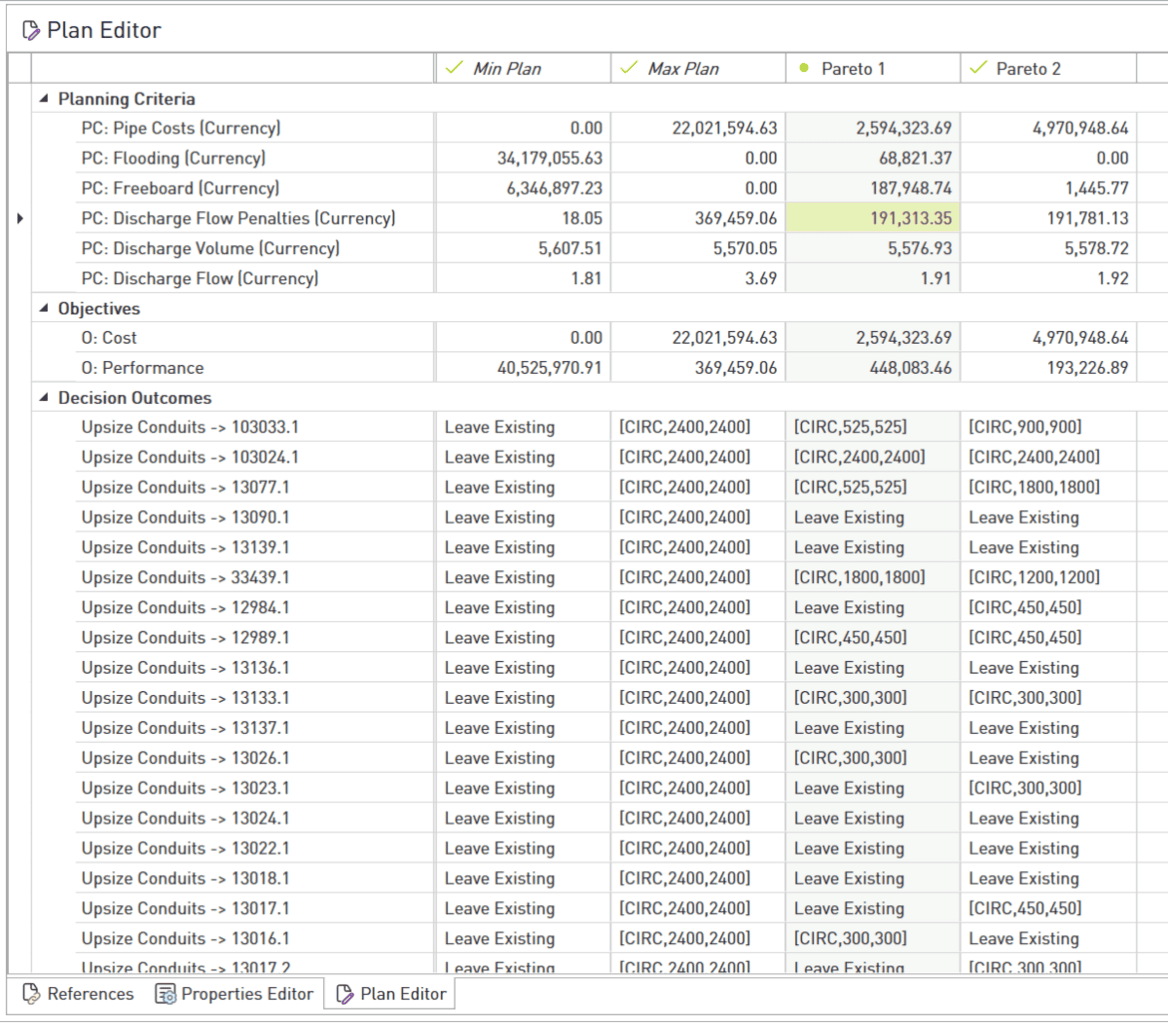
The new internal data model for Optimizer™ 6 allows multiple plan evaluations to be held at once within a model, allowing the user to simply toggle between plan evaluation results without needing to run the model each time. Further, when a plan is evaluating, the interface still actively allows you to continue working in your formulation.